Recipe scaler

Change the portions. Keep the recipe.

Choose how many people you are cooking for and let the ingredient amounts follow.

Interactive example

Lemon-pepper linguine is an example recipe on this page. Changing portions updates the amounts. Nothing here is sent anywhere.

Lemon-pepper linguine

Written for 4 portions

Portions

Ingredients for 4 portions

  • Linguine360 g
  • Butter60 g
  • Lemon zest1 lemon
  • Lemon juice2 tbsp
  • Parmesan40 g
  • Black pepperto taste
  • Saltfor pasta water

Method

  1. Boil the linguine in salted water until just tender.
  2. Toss with butter, lemon zest, lemon juice and black pepper.
  3. Finish with parmesan.

If this were on your order

  • Linguine360 g
  • Lemon zest1 lemon
  • Lemon juice2 tbsp
  • Parmesan40 g

When this recipe is part of your order, Carte uses the selected portions to work out what the recipe needs and build the shopping list. Configured staples can stay off the list. Butter, pepper and salt are kitchen defaults here, so they are not shown as shopping lines.

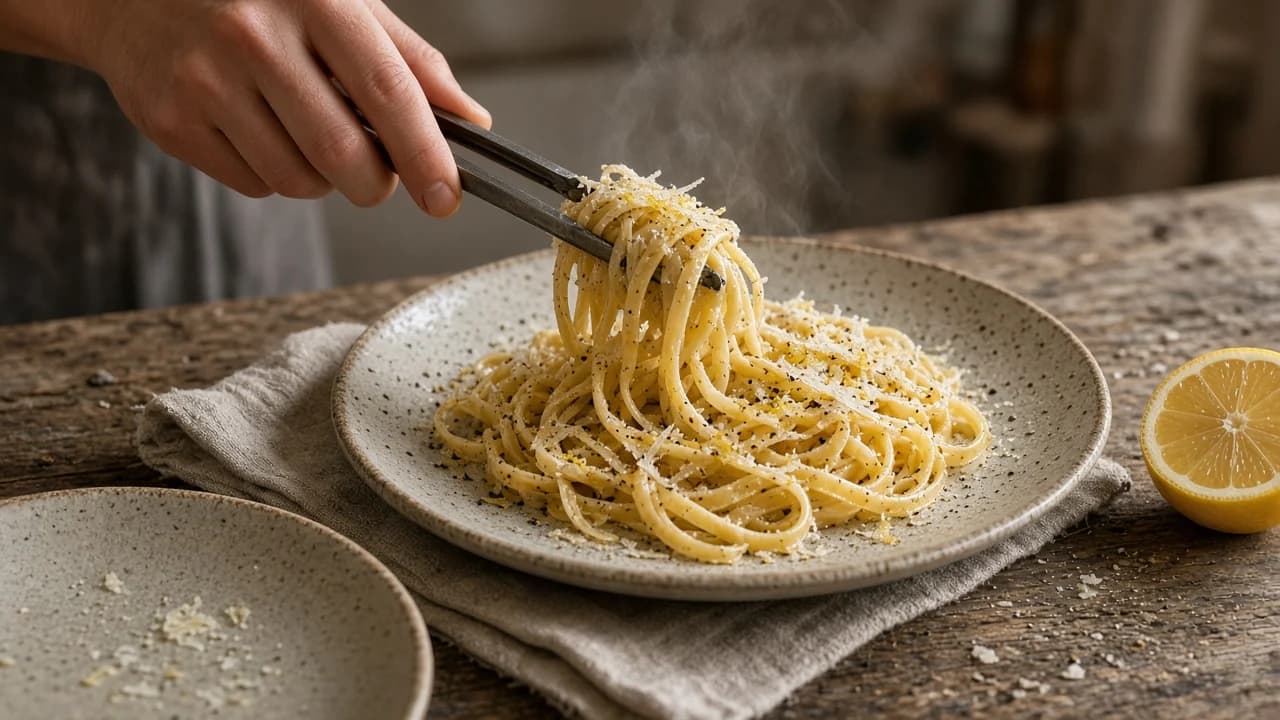
A hand using tongs to plate steaming lemon-pepper linguine with parmesan, zest and cracked pepper on a ceramic dish, a cut lemon at the side.
Lemon-pepper linguine being served onto a ceramic plate.

A recipe scaler should keep the dish you already cook, and change only the math. In Carte that count is not a side calculator — it is the portions on the recipe you will shop and cook.

The math is the easy part

Cook the amount you actually need.

What is a recipe scaler? It is a way to change how many portions a recipe makes without doing the arithmetic on every line. You keep the dish. The amounts move.

That matters when a written recipe is for four and dinner is for two, or when friends are coming and you would rather not re-check the parmesan. You are not converting cups into a different universe. You are choosing the table in front of you.

Salt, lemon and pan size still need a glance after the math. A scaler does not promise culinary conversion magic. It stops you repeating the same sums.

What is a recipe scaler?

A recipe scaler changes ingredient amounts to match the portions you want to cook, so you are not doing the same recipe math by hand. In Carte, that count stays attached to the recipe, the order, the shopping list and cooking.

Not a side calculator

Portions, then the list, then cooking.

Can Carte adjust ingredient amounts for different portions? Yes. Each recipe stores amounts per single portion. You set how many portions you want, and Carte multiplies those amounts so you are not repeating the recipe math by hand.

When a recipe is on your Carte order, its selected portions determine the ingredient amounts on the shopping list. Staples you have marked as always on hand can stay off. The list keeps the recipe amount: 1½ lemons still appears as 1½ lemons, rather than a rounded grocery pack quantity.

The list is the job of a smart shopping list that starts from dishes, not a blank field. Cooking uses the same recipe you scaled.

  1. Portions

    You choose how many plates this recipe should make.

  2. Scaled ingredients

    The amounts on the recipe follow that count. Names and steps stay put.

  3. Shopping

    When the recipe is on your order, those amounts feed the list. Configured staples can stay off it.

  4. Cooking

    You cook from the same recipe, with the portions you already chose.

Can Carte adjust ingredient amounts for different portions?

Yes. Each recipe stores amounts per single portion. You set how many portions you want, and Carte multiplies those amounts so you are not repeating the recipe math by hand.

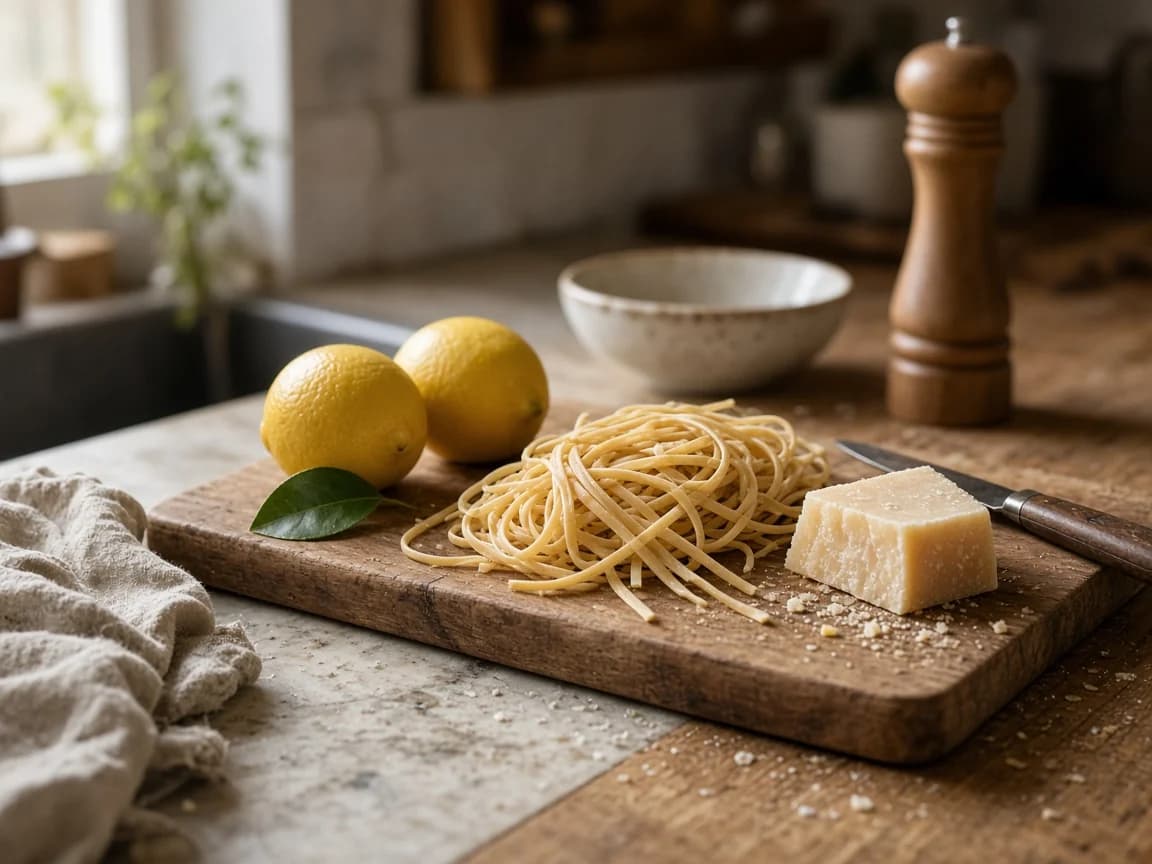
Dry linguine, two lemons and a wedge of parmesan on a wooden board in a lived-in kitchen, with a pepper mill behind.
Linguine, lemon and parmesan as they wait for dinner — not a shopping-app grid.

One recipe, several tables

The same recipe, a different table.

Does Carte change the cooking recipe when you change portions? The ingredient amounts change. The title and the steps stay the same. Lemon-pepper linguine is still lemon-pepper linguine whether you cook two plates or eight.

That is useful when you are meal planning for two and the written recipe assumed a family tray, or when a quiet Tuesday becomes a table of friends. Choose the count first. Then shop and cook to it.

  • Dinner for two

    The example is written for four. Choose two when that is the table.

  • Friends coming over

    Move to six or eight without rewriting the linguine.

  • A larger batch

    The same recipe, more plates — useful when you want leftovers with a job.

  • Fewer than the written recipe

    Halve a four-portion recipe when you want two dinners, not a family tray you did not ask for.

Does Carte change the cooking recipe when I change portions?

The ingredient amounts change with the portion count. The recipe title and cooking steps stay the same. Salt, lemon and pan size still need a glance after the math.

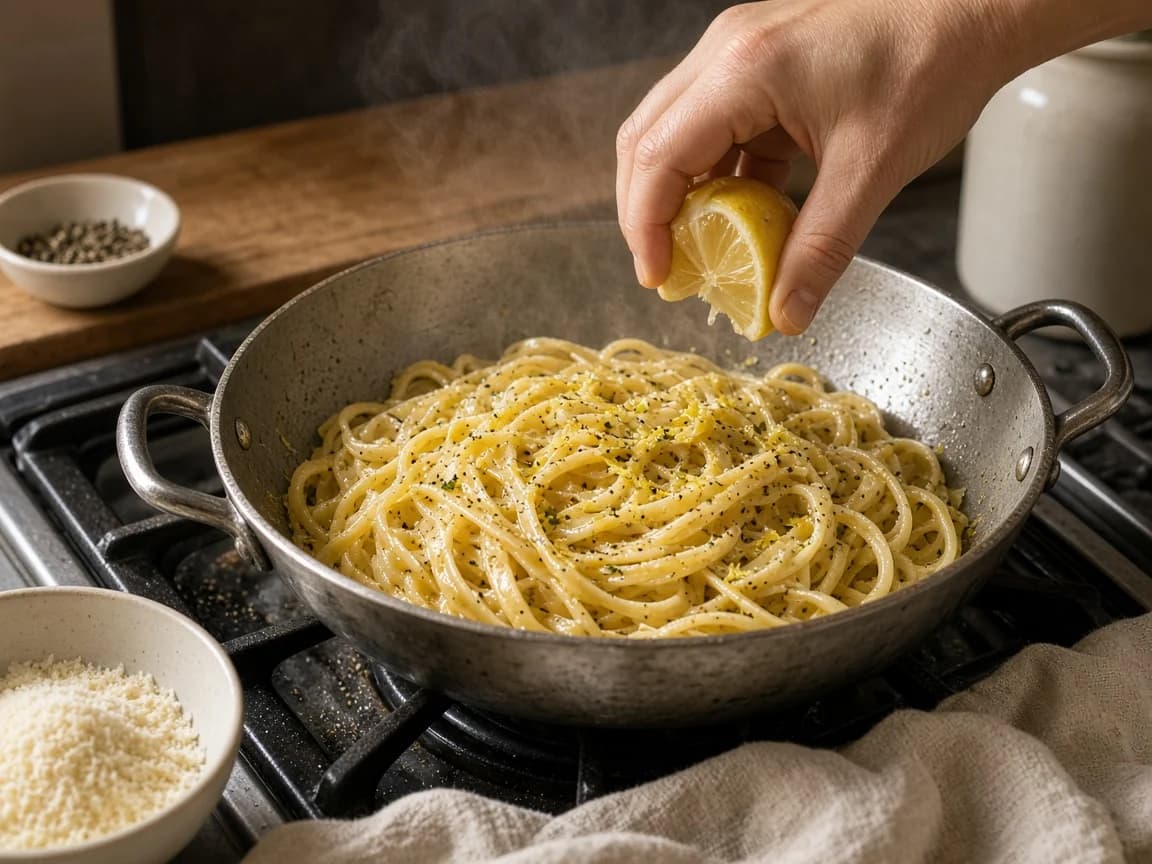
Lemon-pepper linguine finishing in a pan on the hob, steam rising, a hand squeezing lemon over the pasta beside a bowl of parmesan.
The same pasta, finished in the pan — portions change the amounts, not the method.

Inside Carte

Scaling belongs in the kitchen.

Do the selected portions affect the shopping list? When the recipe is part of your order, yes: Carte uses that count to work out what the recipe needs and build the list. Configured staples can stay off it. You are not copying scaled grams into a separate notes app.

A saved recipe in the recipe organizer can go on the standing menu, take portions, feed that list, and open as cooking instructions. The scaler on this page is an example of that math — not a disconnected tab, and not a screenshot of the live app.

The meal planning app still works like a menu, not a calendar. Portions are how the menu becomes a shop.

Do the selected portions affect my shopping list?

When the recipe is part of your order, Carte uses the selected portions to work out what the recipe needs and build the shopping list. Configured staples can stay off the list. Amounts stay recipe-true — Carte does not round them up to grocery-store pack sizes.

Questions

Frequently asked questions

What is a recipe scaler?

A recipe scaler changes ingredient amounts to match the portions you want to cook, so you are not doing the same recipe math by hand. In Carte, that count stays attached to the recipe, the order, the shopping list and cooking.

Can Carte adjust ingredient amounts for different portions?

Yes. Each recipe stores amounts per single portion. You set how many portions you want, and Carte multiplies those amounts so you are not repeating the recipe math by hand.

Do the selected portions affect my shopping list?

When the recipe is part of your order, Carte uses the selected portions to work out what the recipe needs and build the shopping list. Configured staples can stay off the list. Amounts stay recipe-true — Carte does not round them up to grocery-store pack sizes.

Does Carte change the cooking recipe when I change portions?

The ingredient amounts change with the portion count. The recipe title and cooking steps stay the same. Salt, lemon and pan size still need a glance after the math.

Can Carte calculate nutrition or calories?

No. Carte is not a nutrition or calorie calculator, and it does not make dietary or medical claims.

Does Carte guarantee ingredient substitutions?

No. Carte does not promise intelligent substitutions or allergen-safe swaps. Scaling changes quantities of the ingredients already in the recipe.

Keep the recipe. Change the table.

Choose the portions you need. Let the amounts, the list and the cooking follow — without turning dinner into a calculator.

Get Started.