Recipe capture

Turn a family recipe into something you can actually cook from.

Bring in a recipe from a photo, voice or pasted text. Review the details, save the recipe, and choose when to put it on your menu.

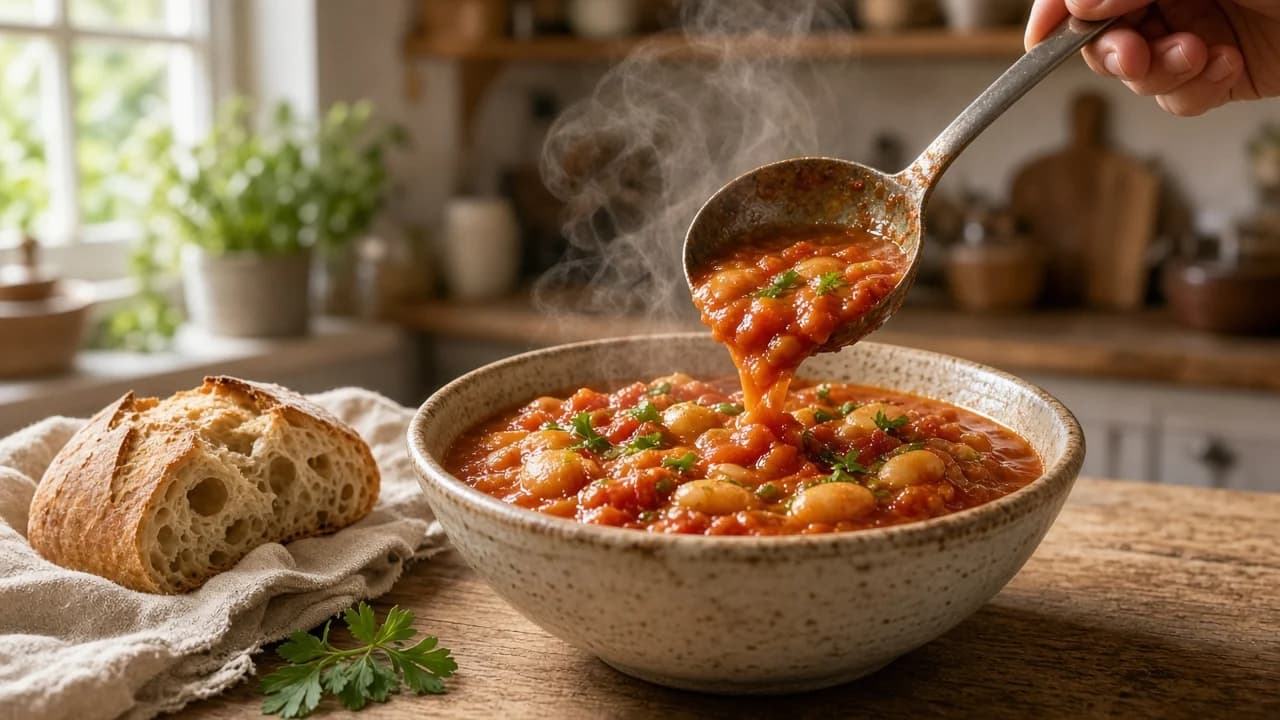
A hand ladling tomato and butter bean stew into a ceramic bowl, with bread and linen nearby in warm kitchen light.

Save the recipe before it disappears — then let it become something you can choose, shop for and cook, not another image to hunt through later.

Photo

Photograph a card or page in supported light. Use the result as a starting draft, then check what came through.

Voice

Dictate a recipe you know by heart. Structure helps you review ingredients and steps without retyping everything later.

Text

Paste notes from a message or document. Correct names, amounts and steps before you cook from them.

Or type it in

Manual entry stays a first-class path. AI-assisted capture is optional help — Carte does not require AI to keep a recipe.

From source to recipe

See the same dish become ingredients and steps

The emotional idea is simple: save the recipe before it disappears. The practical payoff is that it becomes something you can choose, shop for and cook — not just another photograph to search through when dinner is already late.

Capture example

One sample dish throughout this page. The structured panel is an illustrative result derived from the same text — not a fresh scan or a measured OCR score.

Source recipe

Tomato and butter bean stew

Serves 4

Tomato and butter bean stew
Serves 4

2 tbsp olive oil
1 onion, finely chopped
3 garlic cloves, sliced
1 tsp smoked paprika
400g tin chopped tomatoes
400g tin butter beans, drained and rinsed
200ml vegetable stock
A handful of parsley, chopped
Salt and black pepper

Warm the oil in a wide pan. Soften the onion for about 8 minutes.
Add the garlic and smoked paprika; cook for 1 minute.
Tip in the tomatoes, butter beans and stock. Simmer gently for about 20 minutes until thick.
Season, finish with parsley, and serve with bread or greens.

Structured recipe

Show how the same recipe looks as ingredients and steps you can review.

Check the details

Review before you rely on it

Capture starts a draft. Glance at quantities, units, ingredient names and cooking steps against the source you brought in. Kitchen light is uneven. Handwriting is imperfect. A neat-looking result is not proof the amounts are right.

Correct what needs correcting, then save. Optional AI can help structure text or a supported photo; it is not required, and this page does not claim every AI-started path pauses for approval before saving.

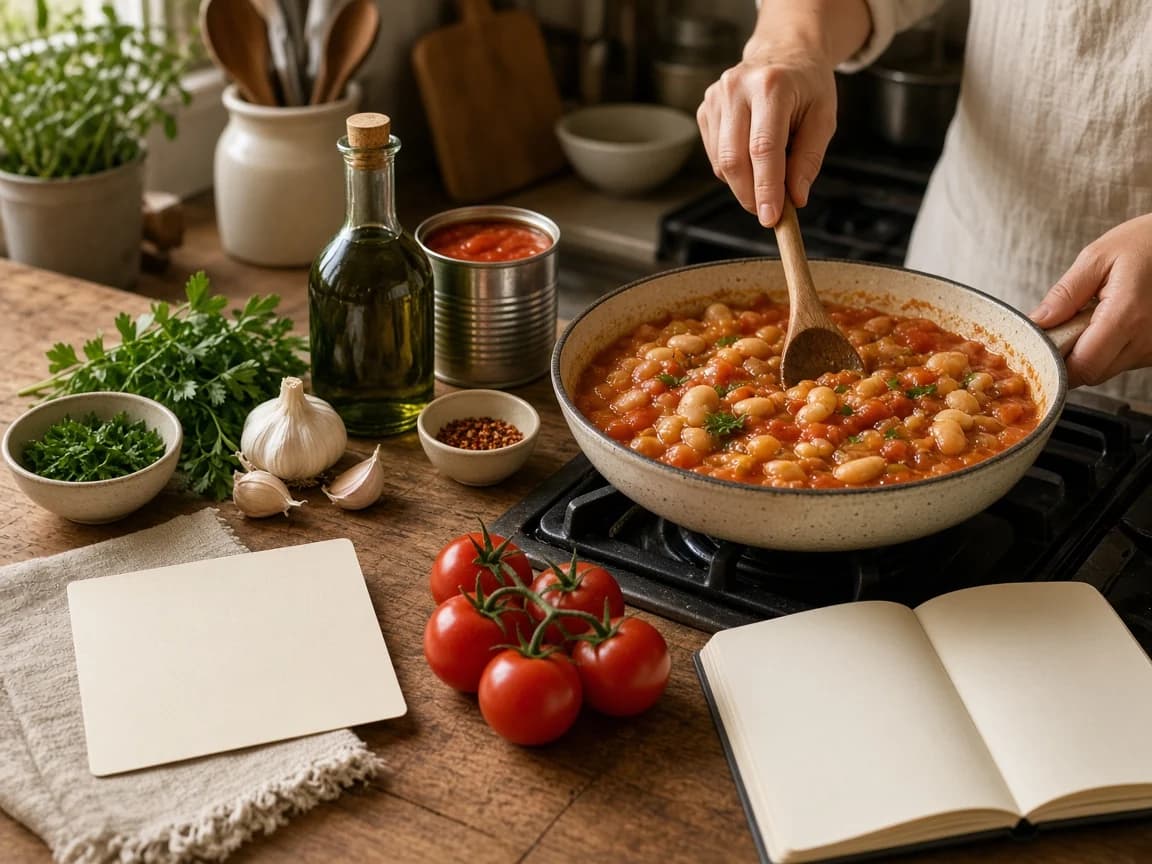
Hands stirring tomato and butter bean stew in a pan beside garlic, tomatoes, olive oil and a blank recipe card.
Appetite only — photography is not proof of a successful capture.

From saved recipe to dinner

Keep it where planning and shopping can use it

Once the recipe is saved, it can join your standing menu, take a portion count, feed one shopping list from that order, and open as cooking instructions when the kitchen is stocked. Saving alone does not pour every ingredient onto the list — the list follows the dishes and portions you choose.

Finding and organising what you kept lives on the Recipe organizer. How the order becomes one list lives on the Smart shopping list.

Save → Menu → Portions → Shopping → Cooking

  1. SaveKeep the recipe you actually cook — a card, a note, a dish you return to.
  2. MenuPut it on the standing menu so it waits with the other dinners you like.
  3. PortionsChoose how many you want before any shopping math begins.
  4. ShoppingIngredients from the order gather into one list, not a stack of recipes.
  5. CookingCook from the same recipe you saved, once the kitchen is stocked.
  6. ReuseA prepared component can cover part of a later dish.
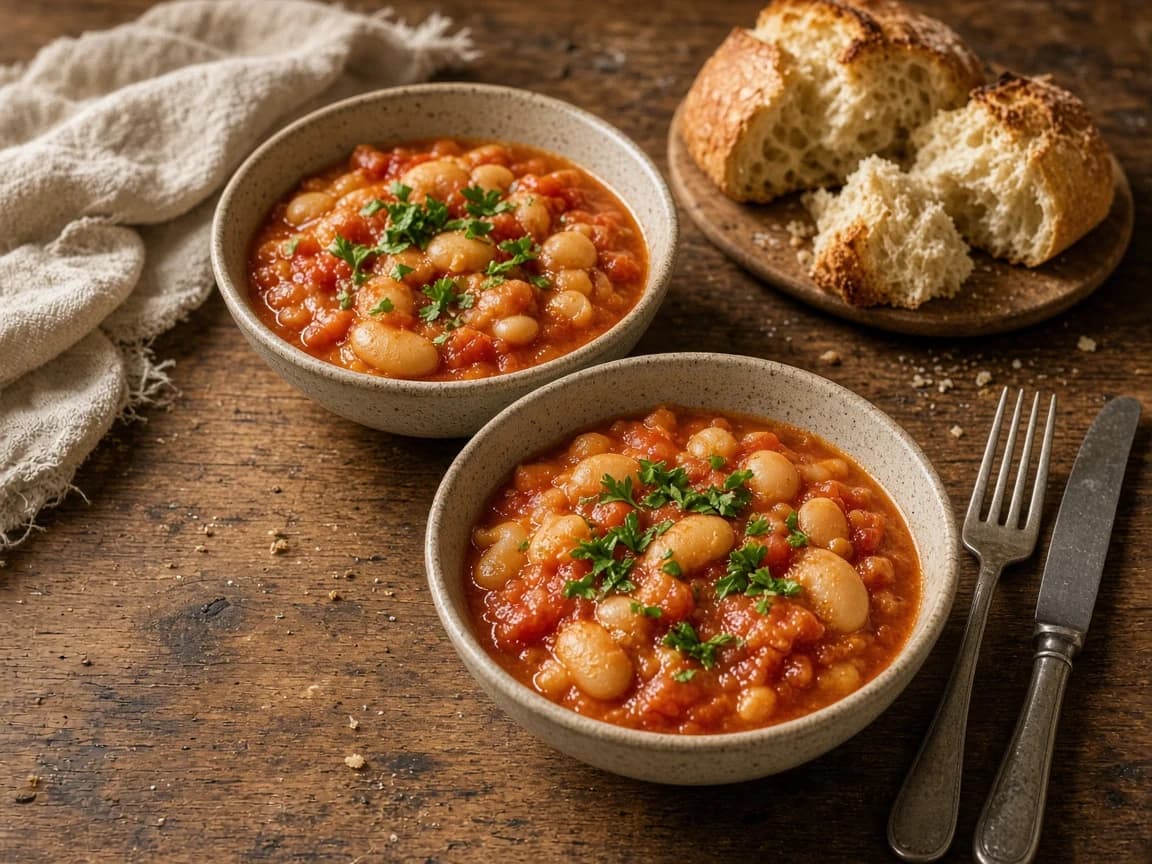
Two bowls of tomato and butter bean stew with bread and linen on a small wooden table.
The same stew, ready to eat — a recipe worth keeping is worth cooking.

Questions

Recipe capture, answered plainly

Can I save a recipe from a photo?

Yes. Carte can capture a recipe from a supported photo of a card or page. Review the structured draft before you rely on it — capture is not a promise of perfect recognition.

What about handwritten recipes?

You can photograph a handwritten card or page and start from that. Handwriting varies, and kitchen light is uneven, so check names, amounts and steps. Typing the recipe yourself remains a first-class alternative.

Can I dictate or paste a recipe?

Yes. You can bring a recipe in from voice or pasted text, then review the structured result. Manual entry is always available if you prefer to type it in.

What should I check after capture?

Glance at the recipe name, portion count, ingredient names, amounts and units, and the cooking steps. Correct anything that does not match the source before you cook from it.

Can I import from a website URL?

Carte does not currently support importing recipes directly from an external recipe URL. Use a supported photo, voice, pasted text, or enter the recipe yourself.

What happens after saving?

A saved recipe can go on your standing menu, take a portion count, feed a shopping list from that order, and open as cooking instructions. Saving alone does not add every ingredient to the list — the list follows the dishes and portions you choose.

A recipe worth keeping is worth cooking.

Bring the card, the note, or the dish you know by heart into Carte — then put it on the menu when you want it for dinner.