
Smart shopping list

One grocery list from the meals you actually want to cook.

Choose the dishes you want to cook and how many portions you need. Carte combines their ingredients into one shopping list, so you can spend less time copying amounts from one recipe to the next.

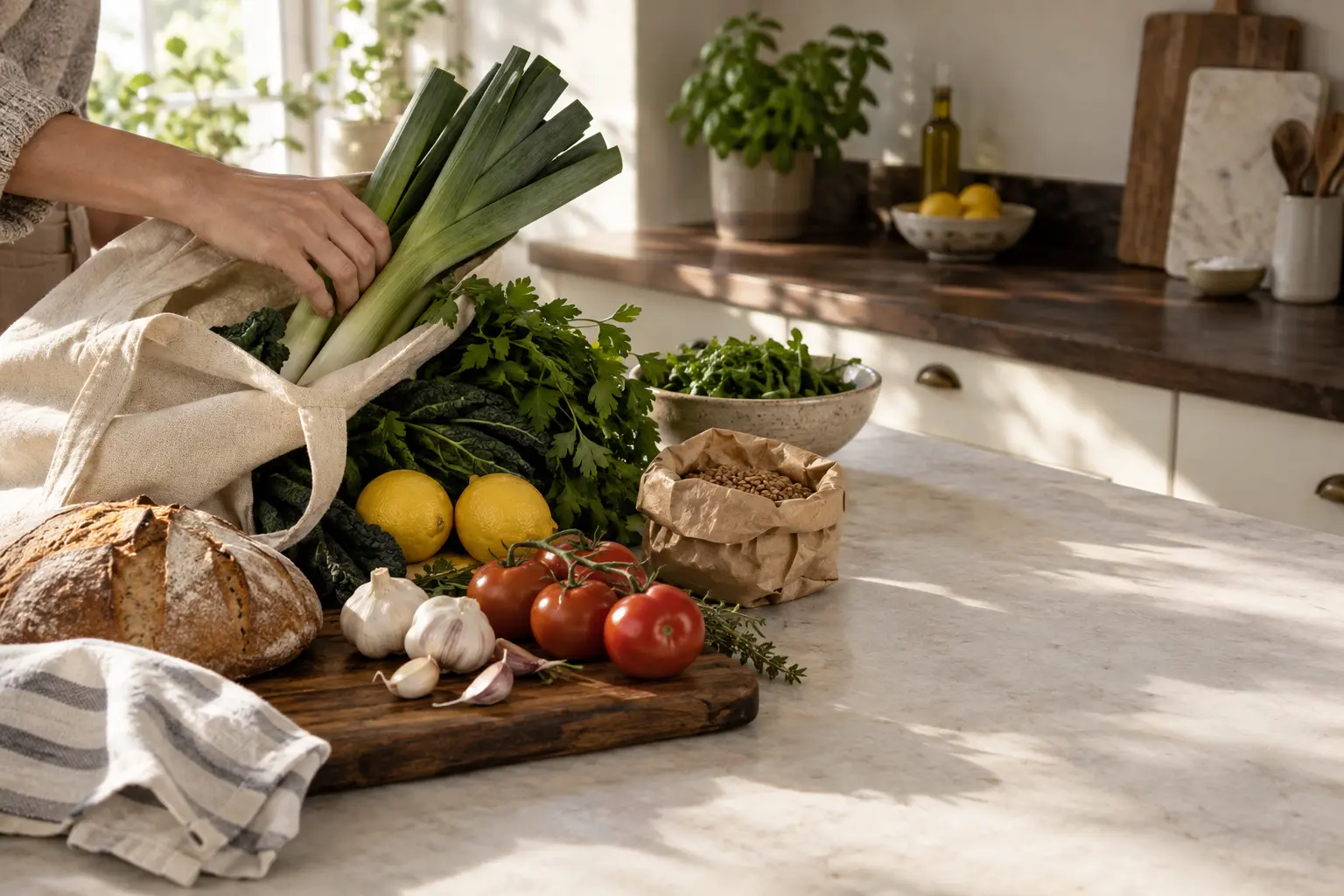
Fresh groceries being unpacked on a sunlit kitchen counter — leeks, herbs, tomatoes, bread, and a canvas tote beside open marble counter space.
Groceries arriving in the kitchen, with the order of lasagne, roast chicken, and green salad becoming one grocery list on the open counter.

Tonight's order

From the carte

  1. Lasagne6 portions
  2. Roast chicken4 portions
  3. Green salad4 portions

Your shopping list

  • ChickenRoast chicken
  • LemonGreen salad
  • ParmesanLasagne
  • Pasta sheetsLasagne
  • Salad greensGreen salad
  • TomatoesLasagne + green salad

Olive oil, Salt, Pepper stay off the list — configured staples.

From the standing menu

Start with dishes, not a blank list

Most grocery lists begin with an empty field. Carte begins with dinner. On the standing menu — the carte — you choose the dishes that sound good, such as lasagne, roast chicken, and a green salad, then add them to an order.

The shopping list is a consequence of those meals, not a separate task you rebuild every week. Browse the recipes you actually cook, keep them on the menu, and let the list follow.

Three dishes selected from a standing menu. The list starts here.

Before the math

Choose portions before the math happens

Cooking lasagne for six instead of four? Set the portions before you shop, and the ingredient amounts follow. You can see the same idea in the recipe scaler.

Carte multiplies those per-portion amounts by the portions on the order. Pasta sheets, tomatoes, and parmesan all move with the new count, so you are not doing the same recipe math in the aisle. The recipe scaler shows how those amounts move with the portion count.

Lasagne moving from four portions to six. Every per-portion amount is multiplied.

The strongest proof

Merge ingredients across multiple recipes

Lasagne and the green salad both need tomatoes. Carte does not leave that as two errands. It sums matching ingredients into one useful line, while lines that belong to only one dish stay themselves.

Lasagne, roast chicken, and green salad become one list. Tomatoes combine. Olive oil, salt, and pepper stay off as staples.

When ingredients match and their units can be combined, Carte adds the amounts together. Tomatoes needed by two dishes become one line on the list. Staples you have marked as always on hand stay off it.

What Carte can account for

Account for supported staples and prepared components

Carte can keep configured staples off the shopping list. New kitchens start with staples such as salt, pepper, olive oil, flour, sugar, butter, and water — always on hand, never added automatically. You can edit that list.

Carte can also account for supported cooked components already in the larder. If ragù is ready, a later lasagne does not ask you to shop the sauce again — make the sauce once, and a future dish can use it. The fuller story lives on Use It Up.

Carte does not maintain a complete inventory of every raw ingredient in the kitchen. The list is honest about what it knows — staples you configured, and cooked components it can actually reuse.

Configured staples stay off the list. A ready ragù can cover part of a later dish.

On the trip

Edit and share the final list

Automatic does not mean locked. Review the list, add another dish from the menu if dinner changes, and tap a line to cross it off as you shop. Crossing off is local to the device in your hand.

People in the same Shared Kitchen work from the same menu and order, so they see the same consolidated list. Sharing the household plan is the point; a standalone shared-list product is a different job.

A line crossed off while shopping. The rest of the list stays yours to finish.

After the shop

Grocery handoff when supported

The list is meant to be used on the trip. When the shopping is finished, stock the pantry in Carte. The dishes you bought move into a ready-to-cook state, so the cooking view reflects the meals you actually brought home.

That is the handoff this page can stand behind: from one consolidated list, back into the kitchen you intended to cook in. A pass-through to another grocery service is not shown here.

How to judge the job

What a good meal-planning grocery list should do

If you are comparing apps, these are the jobs that matter — not a longer feature checklist.

  1. Start with chosen recipesThe list should begin with meals you actually want to cook, not an empty field you have to fill from memory.
  2. Respect portionsQuantities should follow the portions you set, so a table of four does not shop like a table of two.
  3. Merge quantitiesIf two dishes need tomatoes, the list should say so once, with the amounts combined.
  4. Remain editableYou should be able to change the order, add a dish, and cross items off as you move through the store.
  5. Support the actual shopping tripThe list has to be usable in the aisle — one place to look, not a stack of recipes in your other hand.
  6. Connect back to cookingWhen you get home, the kitchen you stocked should still match the meals you intended to cook.

Questions

Frequently asked questions

Is there an app that makes a grocery list from recipes?

Yes. Carte builds one consolidated grocery list from the dishes and portions you select on your standing menu, so the list reflects the meals you actually plan to cook rather than a blank template.

Can I combine multiple recipes into one grocery list?

Yes. When several selected dishes need the same ingredient, Carte sums those needs into one shopping line instead of leaving the same item scattered across recipes.

Does Carte adjust ingredient quantities for portions?

Yes. Each recipe stores amounts per single portion. You set the portions you want first, and Carte multiplies those amounts so you are not repeating the same recipe math by hand.

Can I share the list with someone else?

People in the same Shared Kitchen work from the same menu and order, so they see the same consolidated list. Crossing an item off is local to the device you are shopping with.

Does Carte know what I already have?

Carte is not a complete inventory of every raw ingredient in your kitchen. Configured staples stay off the list, and supported cooked components already in the larder — such as a ragù you made earlier — can cover part of a later dish.

Can I hand the list to another grocery service?

The list is meant to be used while you shop. Afterward you stock the pantry in Carte so cooking matches what you brought home. A handoff into another grocery service is not a verified part of this page.

Choose dinner first. Let the list follow.

Keep the dishes you love on your menu, choose the portions that sound right, and shop from one consolidated list. Then see how the rest of the loop works.