Recipe organizer app

A recipe organizer built for actually cooking your recipes.

A recipe organizer app should keep the dishes you love — and then help you cook them.

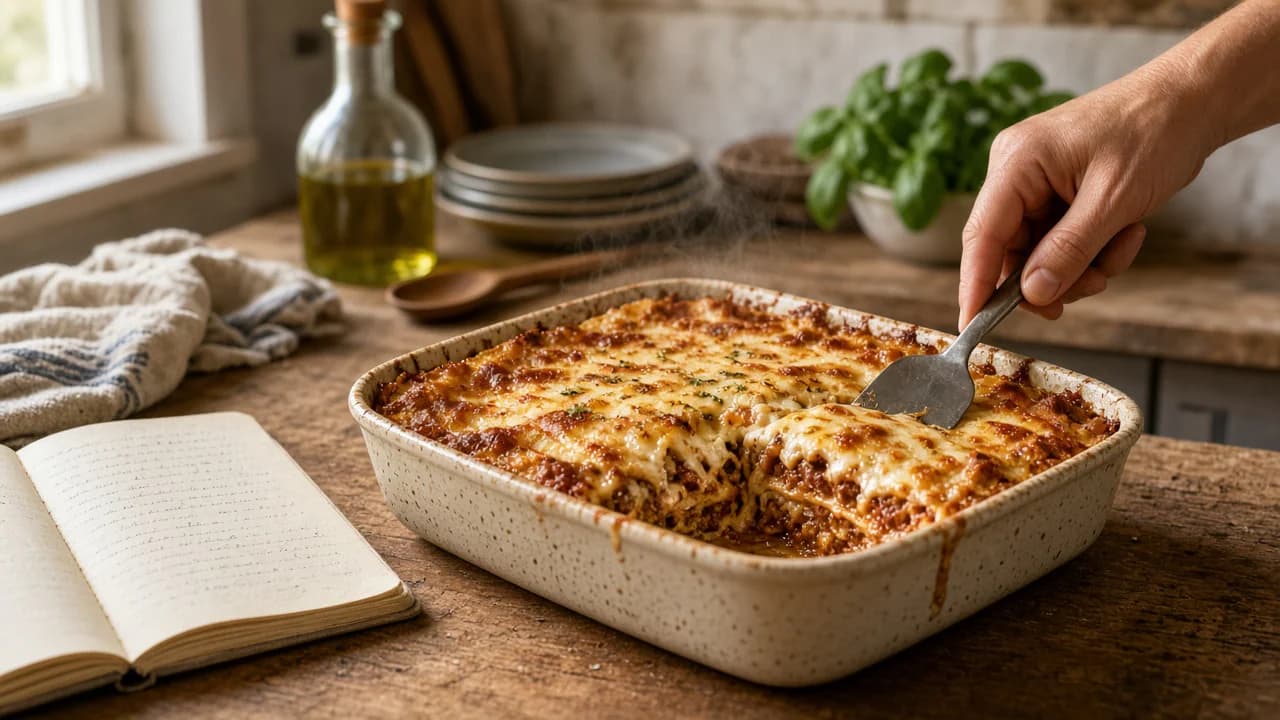
A handwritten recipe notebook open on a worn wooden counter beside a finished lasagne, a hand lifting a slice with a serving spatula.
A recipe becoming dinner: the notebook stays on the counter while lasagne is served.

Keep your favourite recipes somewhere you can cook from them. Add a dish to your menu, choose portions, and let its ingredients join the shopping list. When dinner comes round, open the same recipe and get cooking.

Can I use my own recipes in a meal planner?

Yes. Carte is a meal planning app with your own recipes. You keep dishes you actually cook on a standing menu, choose what sounds good, set portions, and shop from those recipes rather than from a generated plan you did not ask for.

What is the difference between a digital recipe book and a recipe organizer?

A digital recipe book is a collection. A recipe organizer should also help you use what you saved. Carte treats a recipe as part of the rest of the kitchen — menu, portions, shopping, cooking, and later reuse of prepared components — instead of a page that only waits to be reread.

How can recipes currently be captured in Carte?

Carte can capture a recipe from a supported photo, from voice, from pasted text, or by typing it in. Review what comes through before you rely on it. Carte does not currently import recipes directly from an external website URL.

The recipes that stay

Keep the recipes you actually love

The recipes that matter are rarely the ones that look perfect on a screen. They are the lasagne you make when someone is coming over. The sauce a parent wrote down on a stained card. The dish you keep meaning to cook from a notes app, and never quite find again when it is half past six.

A recipe keeper app only earns its keep if those recipes stay close to dinner. Filing them by cuisine, or by the website you once copied them from, is not the same as knowing what you will actually cook this week. Carte treats a recipe as something a household returns to — a living part of the kitchen — rather than a souvenir of a meal you once intended to make.

That is why organization here is not a tagging contest. You keep an honest library of dishes you like. You put the ones that sound good on the standing menu. You cook from the same record you saved. The digital recipe book is still there when you need to look something up; it is just no longer where the story ends.

Imagine the card in the drawer, or the note you typed on a train, becoming the lasagne on the table — not another file you meant to tidy. That is the job of a recipe organizer app that is willing to live in a real kitchen.

Before it disappears

Capture recipes from supported photo, voice or text

A family card on the counter does not become useful by being photographed into a camera roll. It becomes useful when the recipe can sit beside tomatoes and garlic tonight, and still be findable next month.

Capture starts here: a supported photo, voice, pasted text, or typing it yourself. After capture, review what arrived. Handwriting is imperfect. Kitchen light is uneven. The point is a recipe you can correct and keep — not a promise that every card will transcribe itself without a glance. The dedicated capture story lives on Recipe capture.

Optional AI can structure pasted text or a supported photo into a dish you then keep; it is not required for capture. See AI Sous Chef. Carte does not currently import recipes directly from an external website URL.

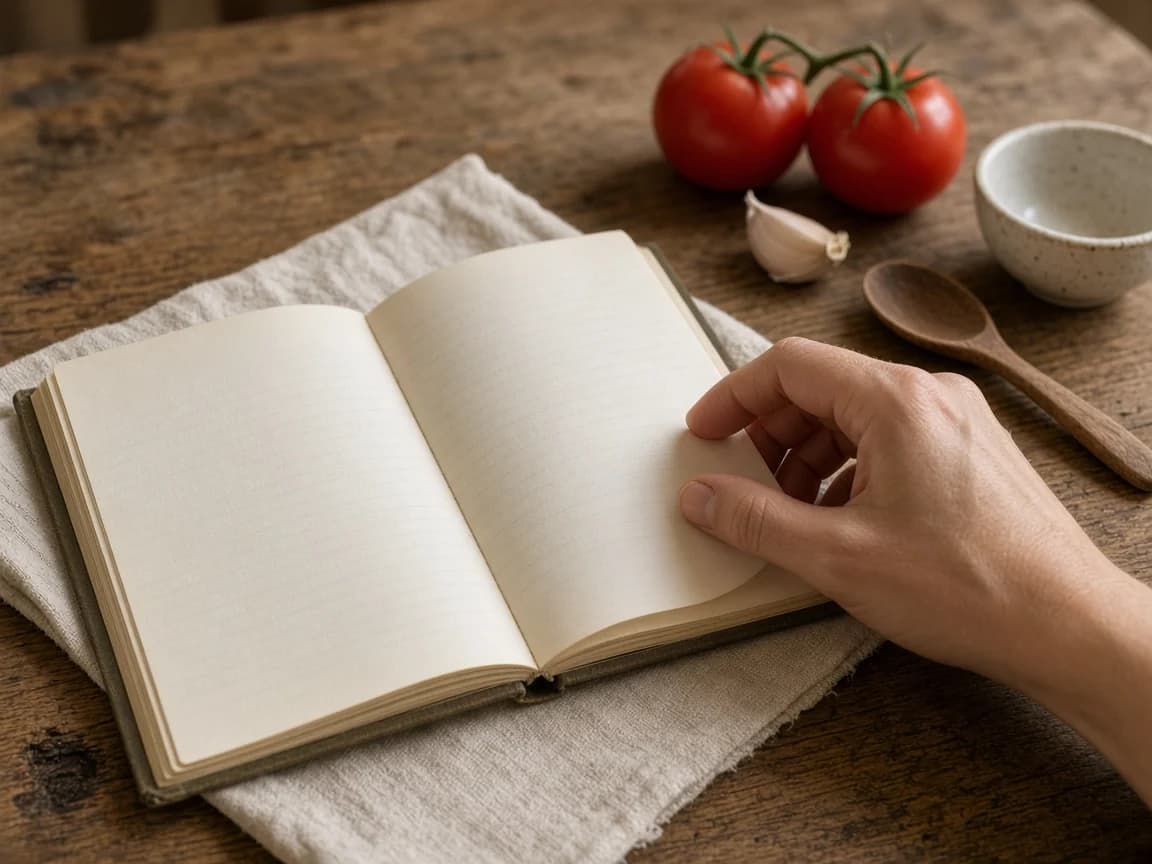
A hand turning the page of a hardcover recipe notebook on linen, beside tomatoes, garlic, a ceramic bowl, and a wooden spoon.
A recipe worth keeping, still itself — stains, linen, and all.
Illustration of supported capture methods — not a product screenshot.

A working shelf

Find and organize what you saved

Once a recipe is in Carte, it should be easier to find than the original card in a drawer. Search the names you actually use. Keep the dishes you cook on purpose close to the ones you cook on a Tuesday. Organization is there so you can put a recipe on the menu without hunting through a camera roll or a stack of screenshots.

This is also where a recipe manager app usually stops: folders, tags, maybe a pretty book view. Those can help. They do not, on their own, get dinner on the table. In Carte, finding a recipe is the step before using it. The library is a working shelf, not a museum of meals you meant to make.

You should be able to search what you saved and recognise it. The name you gave the dish at home matters more than a publisher's title. When the right recipe is in reach, putting it on the menu is a small step, not a separate project.

Illustration of searching a saved library — not a product screenshot.

Where dinner waits

Put a recipe on your standing menu

The standing menu — the carte — is the set of dishes your household actually likes. When a saved recipe belongs there, you add it. It does not have to be assigned to Thursday. It waits with the other good options until dinner is real.

That is the difference between storing a recipe and meal planning with your own recipes. A meal planner with recipes only works if the recipes are yours, and if choosing one does not lock the rest of the week to a calendar you will have to undo. Carte is menu-first. You can still think in days if that helps you; the product is built around what you want to cook, not around defending a schedule.

From the menu, a recipe is no longer a page you admire. It is a dish you can order, portion, and shop. For the wider loop around that choice, see how Carte works.

Illustration of a saved recipe joining the standing menu — not a product screenshot.

The list follows dinner

Choose portions and shop from it

Before anything is added up, you choose how many portions you want. Each recipe stores amounts per single portion. Six of lasagne is not the same shop as two. Carte multiplies those amounts so you are not doing the recipe math in the aisle — the same job a recipe scaler should do, attached to the recipe you will cook.

If lasagne and a salad both need tomatoes, they should not appear as two errands. Matching ingredients across the dishes on your order combine into one shopping line. Configured staples stay off the list. The list is a consequence of the recipes you chose — which is the job of a meal planning app with your own recipes, and of the smart shopping list that follows from them.

A saved recipe does not automatically become a grocery list. You put it on the menu, you set portions, and then the list is built from that order. That sequence is the point. It keeps shopping honest to dinner.

Illustration of portions changing before the shopping list is built — not a product screenshot.

The working kitchen

Save, then use. A recipe in Carte is meant to travel this path — not to stop in the library.

  1. SaveKeep the recipe you actually cook — a card, a note, a dish you return to.
  2. MenuPut it on the standing menu so it waits with the other dinners you like.
  3. PortionsChoose how many you want before any shopping math begins.
  4. ShoppingIngredients from the order gather into one list, not a stack of recipes.
  5. CookingCook from the same recipe you saved, once the kitchen is stocked.
  6. ReuseA prepared component can cover part of a later dish.
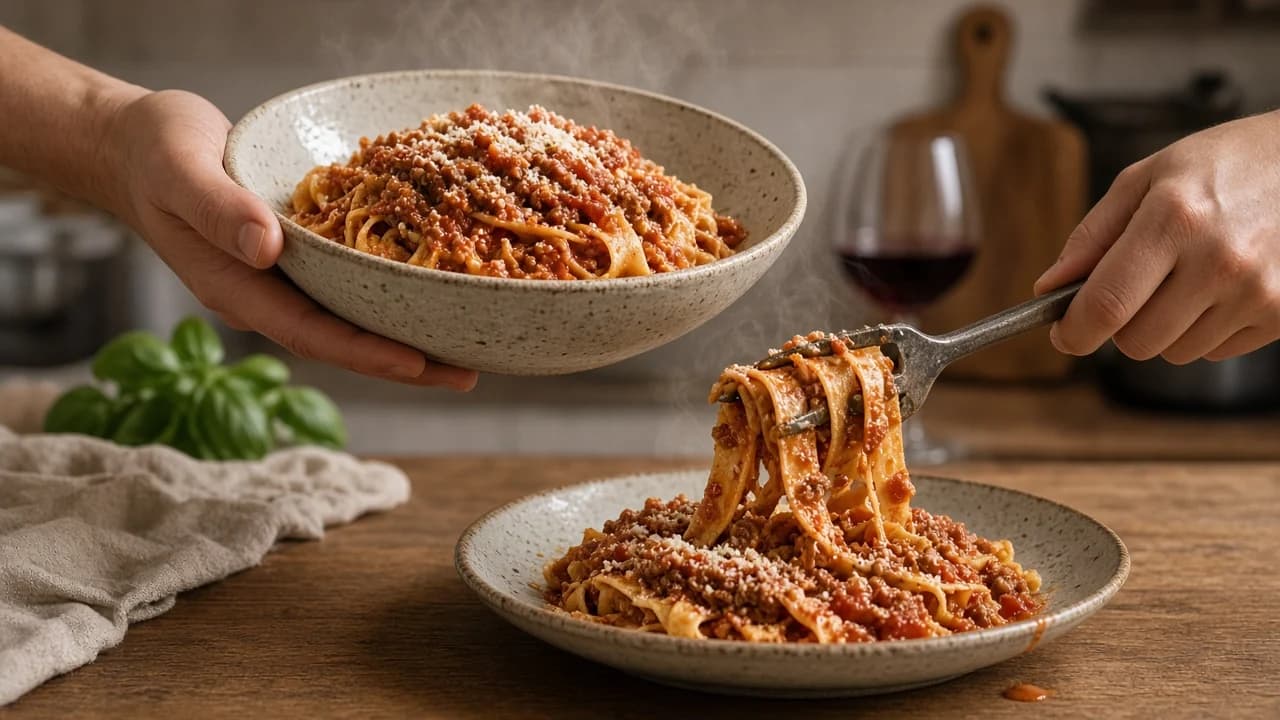
Two hands serving pappardelle with ragù from a ceramic bowl onto a plate, steam rising from the sauce.
The same recipe, now on the table.

On the stove

Cook from the same recipe

The cooking view should be the same recipe you saved, not a second copy you retyped into a notes app while the onions are already in the pan. When the shopping is done and the kitchen is stocked, you cook from the dish you put on the menu.

Instructions, ingredients, and portions stay attached to that recipe. You are not flipping between a photograph of a card, a shopping list, and a half-remembered method. The organizer's promise is fulfilled here: the recipe you kept is the recipe on the stove.

Open the recipe you saved and follow it with the portions you chose. The ingredients and steps stay together, so you can get on with dinner without hunting through screenshots or notes.

The second dinner

Let prepared components keep working later

Some recipes are not only dinners. They are components. A ragù you make on Sunday can dress pasta that night and become the sauce inside lasagne later, or a spoon of leftover sauce over polenta with an egg. Make the sauce once. Let dinner use it twice.

Carte is designed so a prepared component already in the kitchen can cover part of a later dish, which also changes what you need to shop — not a leftover tip, but a working connection between what you already cooked and what you cook next. See Use It Up.

The recipe organizer is what makes that possible. If the sauce never made it out of a photo album, the second dinner has to start from scratch.

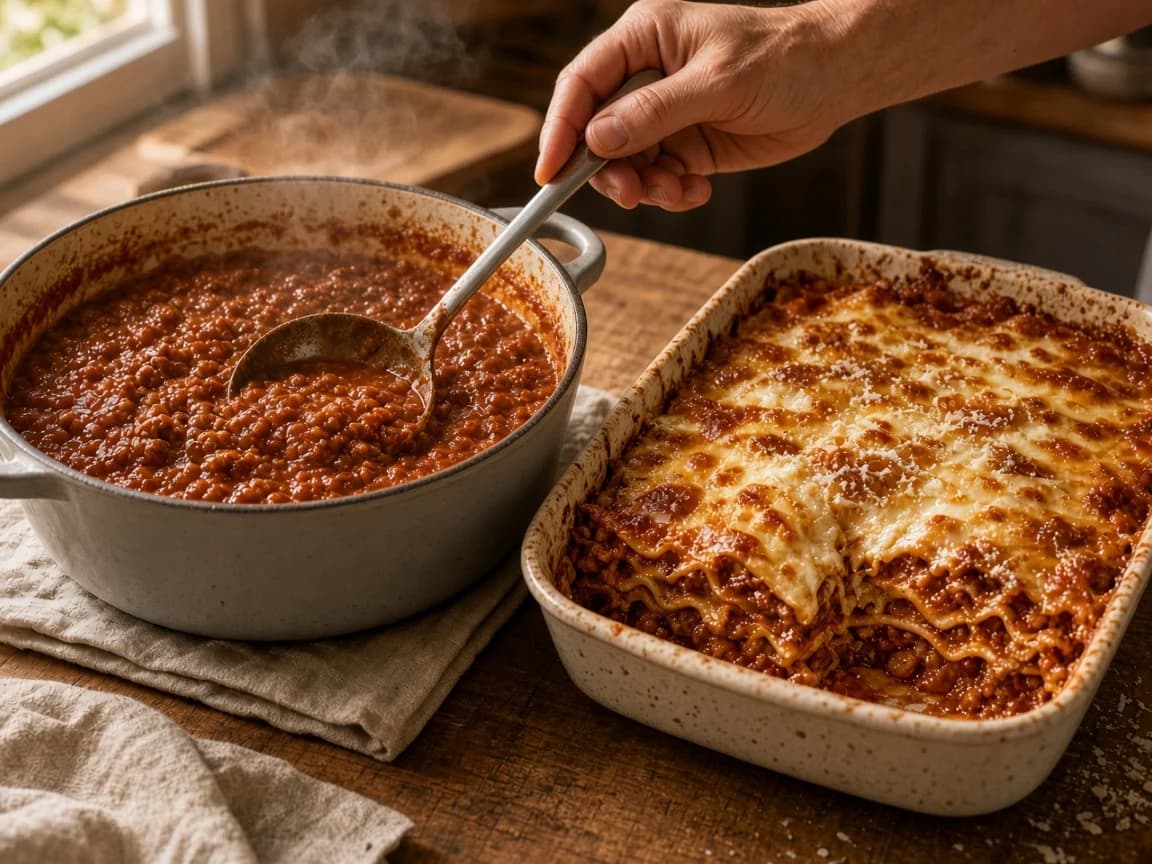
A pot of slow-cooked ragù beside a baking dish of lasagne with a slice removed, a hand lifting a ladle of the same sauce.
One preparation. Another dinner.

Questions

Frequently asked questions

What is the best way to organize recipes digitally?

Keep the recipes you actually cook in one place you can search, then connect them to planning, shopping and cooking instead of leaving them in folders you never open. In Carte, a saved recipe can go on your standing menu, take a portion count, and feed one shopping list.

Can I use my own recipes in a meal planner?

Yes. Carte is built around the dishes you already like. You keep your own recipes, put them on a standing menu, choose what to cook, set portions, and shop from those recipes.

Can Carte scan family recipes?

Carte can capture a recipe from a supported photo of a card or page. You should review the result. Capture is not a promise of perfect handwriting recognition.

Can I search my saved recipes?

Yes. Once a recipe is saved, you can find it again in your library and move it onto the menu when you want to cook it.

Does a saved recipe automatically become a grocery list?

No. A recipe becomes a shopping list after you put it on the menu and choose portions. The list is built from that order, not from every recipe you have ever saved.

Can I import recipes from a website URL?

Carte does not currently support importing recipes directly from an external recipe URL. You can capture a recipe from a supported photo, voice, pasted text, or by entering it yourself.

Save your recipes. Then actually use them.

Keep the dishes you love, put them on the menu, choose portions, and cook from the same place you saved them.