
What is Carte?
Carte is a meal planning app built around a menu you keep coming back to. Choose a few dishes, set your portions, and shop from one list. The recipes are there when you are ready to cook.
Meal planning app
Keep the dishes you love on a standing menu. Choose what sounds good, decide how many portions you need, and get one shopping list. Then cook when it suits you.
Choose dinner. Don't schedule your life.
Carte is a meal planning app built around a menu you keep coming back to. Choose a few dishes, set your portions, and shop from one list. The recipes are there when you are ready to cook.
The connected loop
Carte connects the decisions before dinner with what happens after you shop.
Keep the dishes you actually like available.
Choose dishes and portions, then shop from one consolidated list.
Stock the kitchen for what you intend to cook.
Cook at the pace real life allows.
Keep track of a sauce you have made, so another dinner can use it.
Your menu, your pace
The menu is a standing set of dishes your household actually likes. When dinner arrives, you choose what sounds good now — instead of assigning every dish to a date in advance.
Carte is built so the plan can bend when the week does.
Keep good options ready. Decide dinner when dinner is real.
One list, less math
Choose lasagne and a salad, and Carte brings their ingredients together on one shopping list. It adjusts the amounts for your portions, leaves out staples you have marked as always on hand, and accounts for cooked components you have recorded in Carte.
Shopping follows the meals you intend to cook — not a generic weekly template.
Cook what you stocked
After shopping, mark the dishes as stocked. Open one when you are ready to cook, with ingredient amounts for your chosen portions, the recipe steps, and in-app timers where available.
The kitchen you shopped for should still match the kitchen you cook in — without turning cooking into another notification chore.

Use what you already made
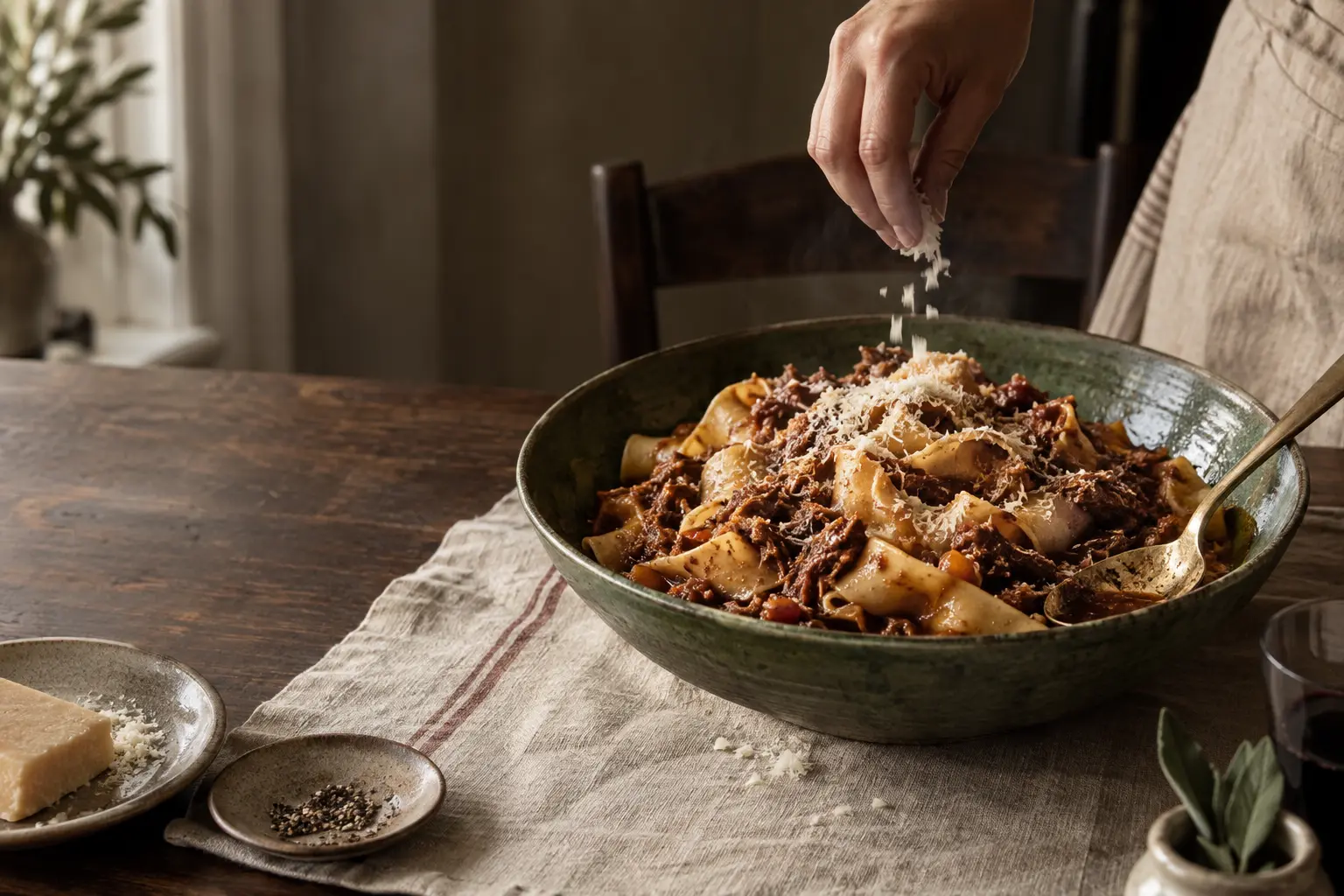
Make a pot of ragù, then use some in a lasagne later. When that cooked ragù is recorded in Carte and linked to the lasagne recipe, the next shopping list accounts for it. You shop for the rest.
Future shopping needs can change because part of the next dish already exists.

Ask the waiter
Ask for dinner ideas, find a recipe, or get help putting one together. AI is there when you want a hand. You can still choose dishes, build your list, and cook without it.
Your recipes become part of the system
Carte supports a recipe library that can feed the menu, shopping, and cooking workflow. Add your own recipes by speaking, pasting text, or using a photo, then review and correct them before they join your kitchen.
Questions
Carte is a meal planning app built around a standing menu. You keep dishes you like available, choose what sounds good, select portions, shop from one consolidated list, and cook at your own pace.
Carte centers on a standing menu and an order of what sounds good, so you can decide dinner when dinner is real instead of locking every meal to a calendar day.
Yes. Carte is built around a personal recipe library. You can add recipes by speaking, pasting text, or photographing a card, then review them before they join your menu.
Yes. Carte combines the raw ingredients required by the dishes and portions in your order into one shopping list, while omitting configured staples and accounting for supported cooked components already on hand.
Yes. People in one household can work from the same menu and order state, so planning and shopping stay aligned.
No. Carte's core menu, shopping, pantry, cooking, and larder loop works without AI. Optional AI can help with natural-language actions, search, recommendations, recipe capture, and refinement when you want it.
Yes. A supported cooked component can become an ingredient in a future dish, so later meals can use what is already in the kitchen.
Meal planning should help dinner happen — not turn dinner into another schedule to maintain.
Coming from Mealime? See the Mealime alternative comparison.