
What is a shared meal planner?
A shared meal planner keeps the meals a household intends to cook, then derives shopping from that plan. It is not the same job as passing around a checklist of groceries after dinner has already been decided.
Shared Kitchen
Share the menu, portions and order that create the list — not only a checklist written after dinner is decided.
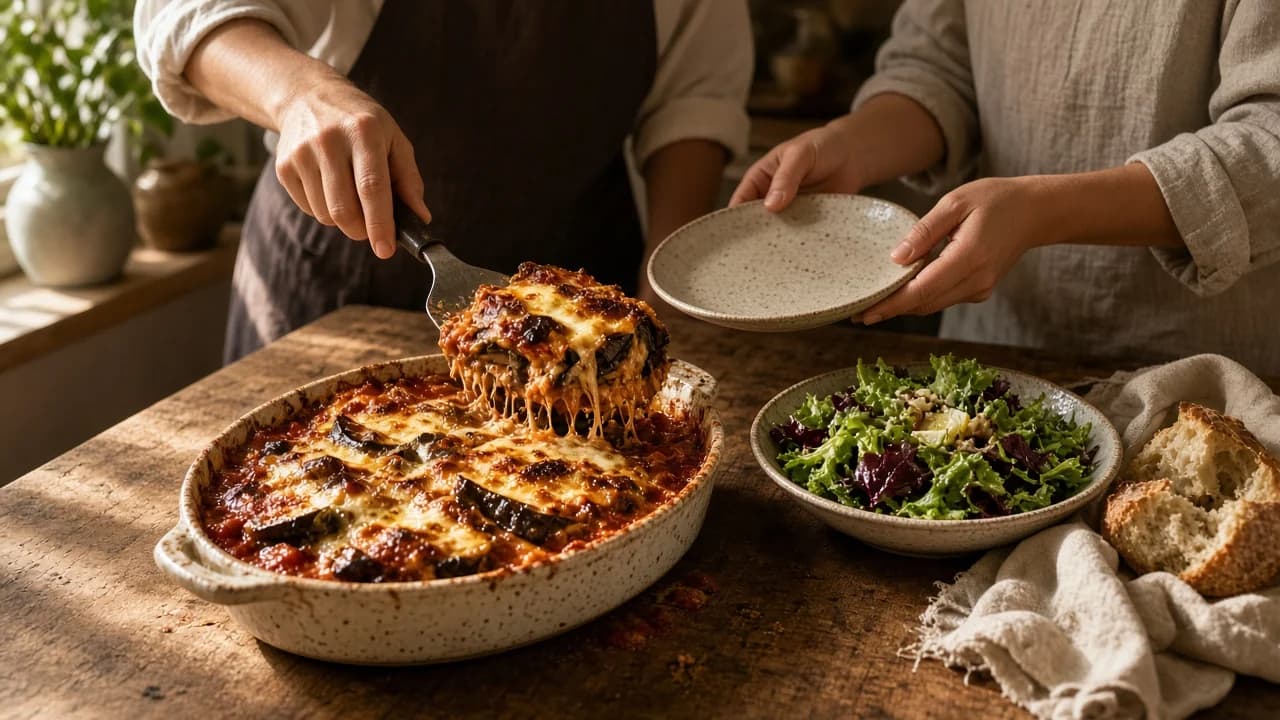
Keep one household menu and choose dishes and portions together. The shopping list follows those choices, with stocked dishes and cooked components kept in the same kitchen. Shopping checkmarks stay on the device you are using.
The plan before the aisle
What is a shared meal planner? It is a place a household keeps the meals they intend to cook — not only a grocery list written after those decisions. Sharing milk and tomatoes later does not share the decision that created them.
A standalone list is useful once dinner is already chosen. The gap is earlier: two people inventing tonight independently, a thread of “what do we need?”, and a shop that no longer matches the meals anyone will cook. Shared Kitchen is built around one kitchen’s menu and order, which then produce the list.
Meal planning that works like a menu, not a calendar. Dishes sit on a standing menu. You choose what sounds good and how many plates. You do not have to lock every night to a weekday for the household to share a plan.
A shared meal planner keeps the meals a household intends to cook, then derives shopping from that plan. It is not the same job as passing around a checklist of groceries after dinner has already been decided.
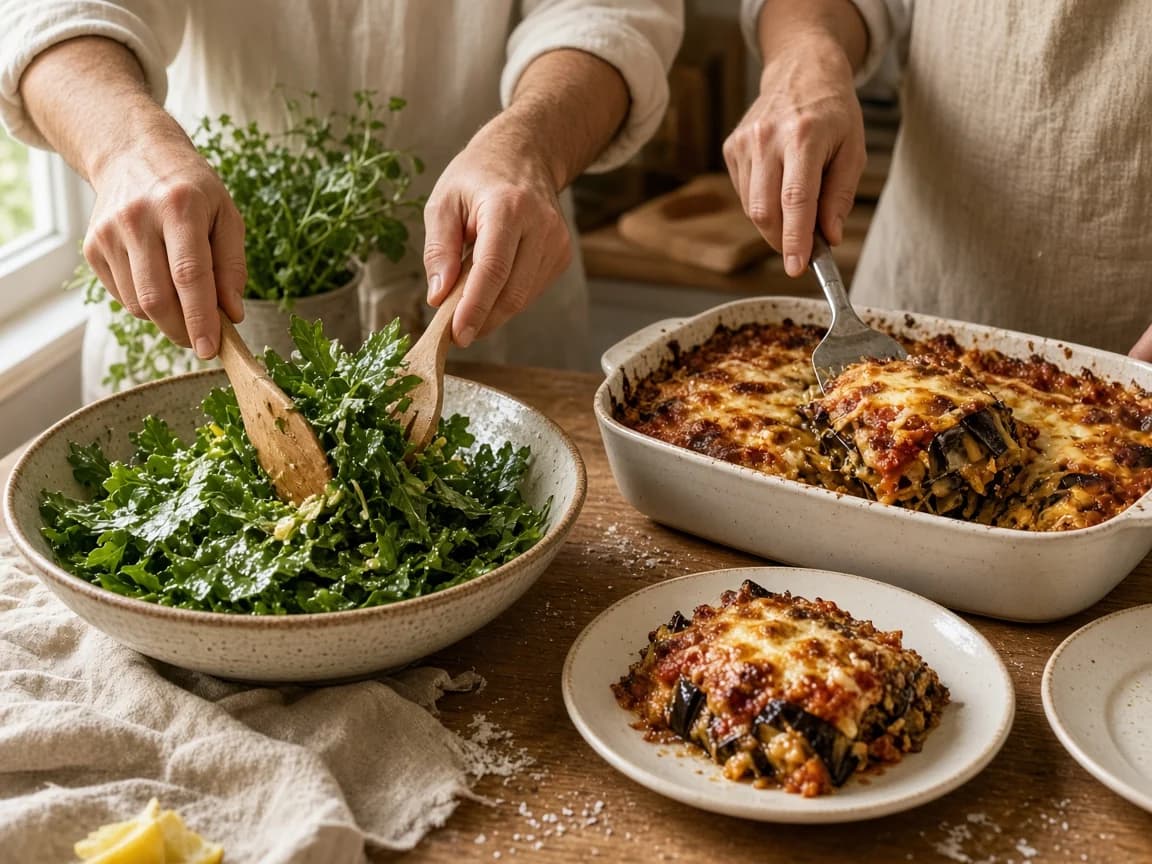
Menu, then portions, then the shop
The intended sequence is short. Keep a standing menu. Choose dishes. Set portions. That selection is the order. The shopping list is derived from it. Nobody has to be in the kitchen at the same moment for that sequence to hold.
People who have joined the kitchen can add and change dishes and portions on that order. Simultaneous live editing of the same line, and named permission roles, are not part of the current product story. The useful object is the current kitchen plan.
From the order, not a blank field
The list does not begin as an empty checklist. It comes from the dishes and portions on the kitchen order. If parmigiana for four and a salad for four both need tomatoes, those needs combine. Configured staples — olive oil, salt, and the rest of the kitchen’s staple list — can stay off. A supported cooked component already in the larder, such as a tomato sauce, can cover part of a later dish.
That is the same job described on the smart shopping list. Shared Kitchen’s difference is that the order belongs to the kitchen, so people who have joined it see the same derived list. Crossing a line off while you shop is stored on the device you are using. It is not a live shared strike-through.
Carte can account for cooked components you have saved, rather than tracking every raw ingredient in your kitchen.
After the shop
A plan that ends at the grocery store still leaves dinner to be reinvented. In Carte, after you shop you can stock the pantry with the dishes on the order. Stocked dishes are what the kitchen can cook. Cooking uses the same saved recipe. Supported cooked components can be carried in the larder for a later dish.
Menu, order, pantry, and larder all live on the kitchen, so people who have joined it can work from that same stocked and provisioned state. Cooking progress is not broadcast live to every device the moment a pan comes off the heat — but the plan does not stop at the till.
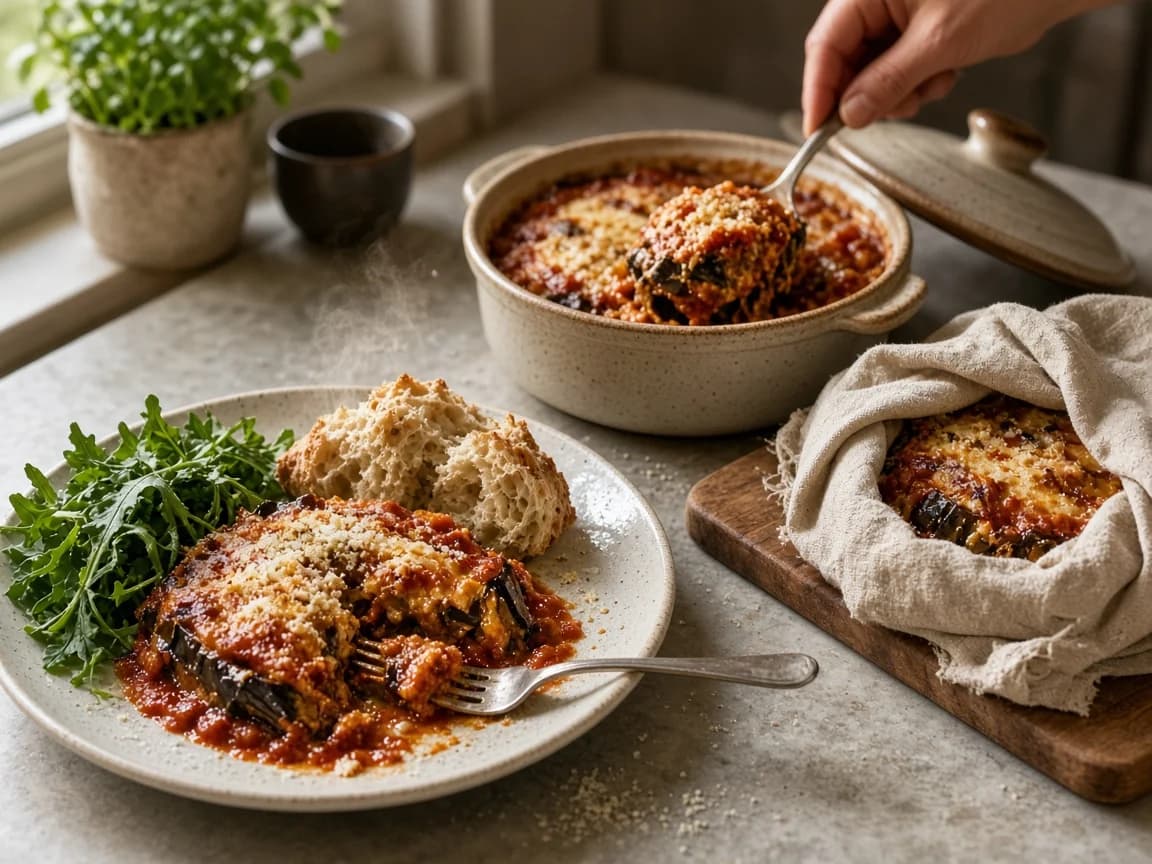
One current plan
The everyday failure is rarely the recipe. It is two people independently deciding dinner, a trail of messages about what is needed, ingredients bought for meals nobody is now cooking, a shop run from last week’s list, and one person privately carrying the whole plan.
A kitchen menu and order give those decisions a place to live. They do not guarantee less waste, lower spend, or that nobody will still buy a second litre of milk. They give the household one current plan to work from, instead of two private versions.
A structural difference
A shared grocery list is good at one job: several people can see the same shopping items. Carte is not the only product that can share a list, and this page does not compare named competitors. The difference worth naming is where planning begins, and what remains connected after the shop.
| Job | A standalone shared list | Carte Shared Kitchen |
|---|---|---|
| Where planning begins | A standalone shared listUsually with grocery items someone typed or copied onto a list. | Carte Shared KitchenWith a standing menu of dishes the kitchen already cooks. |
| How meals enter the plan | A standalone shared listMeals, if they appear at all, are often notes beside the list — or live in another app. | Carte Shared KitchenDishes are chosen from the kitchen menu and placed on the order, without assigning every night to a date. |
| When portions are chosen | A standalone shared listQuantities are often guessed while writing the list, or left as a family-sized pack. | Carte Shared KitchenPortions are set on the order before the list is built. |
| Where grocery items come from | A standalone shared listFrom whatever people remember to add. Two dishes that need tomatoes can appear as two lines. | Carte Shared KitchenFrom the chosen dishes and portions. Matching ingredients combine. Configured staples can stay off. |
| Connection to stocked dishes | A standalone shared listThe list usually ends when the shop is done. What came home is not the plan. | Carte Shared KitchenAfter the shop, dishes on the order can be stocked in the kitchen pantry. |
| Connection to cooking | A standalone shared listCooking, if it happens in software at all, is a separate recipe screen. | Carte Shared KitchenStocked dishes can be cooked from the same saved recipe, at the household’s pace. |
| Supported cooked components | A standalone shared listLeftovers are rarely first-class. The list does not know about a sauce you already made. | Carte Shared KitchenA supported cooked component in the larder can cover part of a later dish. This is not a full raw pantry. |
| Household scope | A standalone shared listOften a shared list that anyone with the link can tick. Planning may still live in one person’s head. | Carte Shared KitchenOne kitchen. People join it and work from its menu and order. Crossing items off while shopping stays on the device in use. |
One kitchen
Shared Kitchen is one household, one kitchen. It may suit a couple, a family, housemates who genuinely share food planning, or one person who plans while another shops or cooks. You invite someone with a join link; they sign in and join that kitchen. Cooks can sit on a roster before they join.
It is not a social network, not multiple independent households, not a professional kitchen, and not a multi-kitchen account manager. This page does not describe admin, editor, or viewer roles. AI is optional and is not required for the menu, order, list, or cooking loop.
For the two-person method, see meal planning for two. For the household system without the app, see the family meal planning guide. The meal planning app overview sits on the homepage.
Questions
A shared meal planner is a place a household keeps the meals they intend to cook — not only a grocery list written after those decisions. In Carte, that object is the kitchen’s menu and order, which then produce the shopping list.
People who have joined the same kitchen work from that kitchen’s order, so they see the same consolidated list. Crossing an item off while shopping is stored on the device you are using, not as a live shared strike-through.
A shared kitchen brings together your household menu, chosen dishes and portions, shopping list, and records of stocked dishes and cooked components. Everyone works from that kitchen. Shopping checkmarks remain local to each device.
People who have joined the kitchen can add and change the dishes and portions that create the list. Crossing items off during a shop stays on the device in use. Simultaneous live editing and a named permissions matrix are not part of the current product story.
Yes, if you share one kitchen. One person can plan while another shops or cooks. Shared Kitchen is the product for that household, not a separate couple-only mode.
A standalone shared list usually starts with grocery items. Shared Kitchen starts with the meals and portions, then builds one list from them, and the kitchen also holds what has been stocked and what cooked components remain. Checking items off while you shop is still local to the device.
Share the plan that creates the list.
One kitchen menu, portions on the order, and shopping that still knows what you meant to cook.