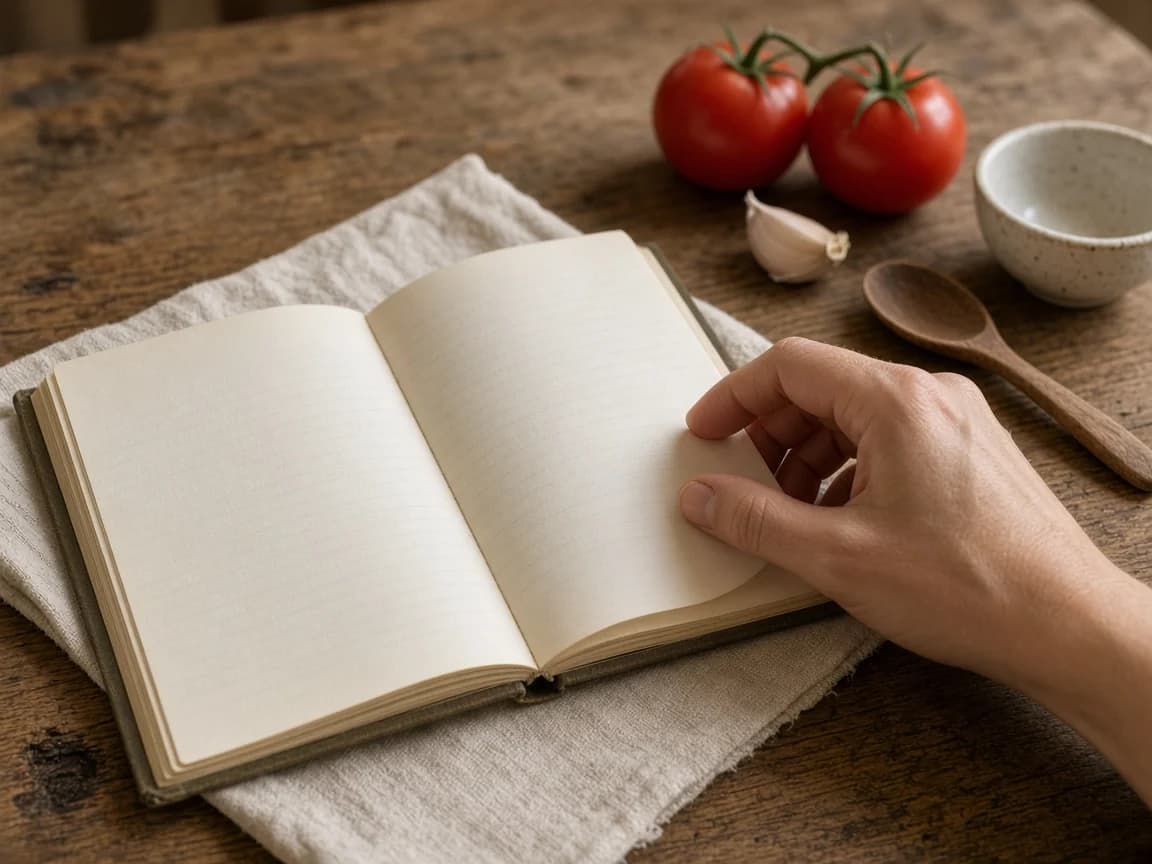
The best place to start digitizing recipes is the small pile you already reach for: a family cake, the soup you make when it rains, the dinner that works on a busy night. You can preserve the rest later. A useful collection grows from recipes you want to cook, not the number of files you manage to scan.
For each recipe, keep two things if you can: the original image and an editable version with a clear ingredient list and cooking steps. The photo preserves the handwriting and little notes. The editable copy is easier to search, read and use.
Choose a small first collection
Pick five or ten recipes you would be happy to cook again. Give each a name you would naturally search for. “Mum’s lemon cake” may be more useful to your household than a filename ending in a string of camera numbers. Add the original title as well when the two differ.
Leave recipes you are unsure about in a separate “to review” group. This keeps the everyday collection useful while preserving the things you may want to investigate. You do not need a perfect archive before you can cook dinner.
Photograph, dictate or type the recipe
For a card or book page, lay it flat in even light and keep the camera square to the page. Make sure the edges, quantities and final instructions are in view. If the recipe continues on the back, capture that too. Retake a blurred image now; guessing a fraction later is more work.
Typing works well for short recipes and handwritten corrections. Dictation can be helpful when you know a recipe by heart, but say the amounts and units explicitly. “Some flour” may make sense while you are cooking; it gives the next person very little to work with.
| What you have | A useful starting point | What to check |
|---|---|---|
| A handwritten card | A clear photo and an editable transcription | Fractions, units and notes around the edges |
| A recipe you know by heart | Dictation followed by a careful read-through | Missing amounts, temperatures and finishing cues |
| Text in a note or message | Copy the text into an editable recipe | The original portions and the full method |
| A screenshot | Keep the original and enter or capture the details | Any instructions cut off above or below the image |
Check the details before trusting the copy
Read the editable recipe beside the original. Treat automated transcription or AI capture as a draft. Handwriting, punctuation and fractions are easy places for an error to change dinner. A quick glance at the name is not enough.
- Does the portion count match the original?
- Are all ingredient names, amounts and units present?
- Could a fraction or decimal have been misread?
- Do temperatures include °F or °C, and do oven settings make sense?
- Are preparation details such as “cooked,” “drained” or “divided” still attached to the right ingredient?
- Are resting, chilling and finishing steps included?
If the card is incomplete, leave the gap visible in your notes until you have resolved it. Do not let a plausible AI suggestion quietly become part of a family recipe. Ask the person who cooks it, or work through the uncertainty carefully during a real trial.
Organize for the way you look for dinner
Start with a few useful groups: regular dinners, quick lunches, things to share, baking. Add an ingredient or occasion only when you often use it to find something. A recipe does not need twenty labels to be easy to find.
Use names consistently and keep one version you currently cook from. If you change a recipe, record what you changed and when. Keep a backup of the original files somewhere you control, separate from the only device you use in the kitchen. Check the export options of any organizer before relying on it as your sole archive.
Bring the recipe back into dinner
Choose one of the recipes for an upcoming meal. Read it before shopping and decide how many portions you need. A recipe that is saved but never opened is still waiting to become useful; cooking from the digital version is a good way to find anything the copy missed.
In Carte, a saved recipe can join your standing menu, take a portion count and feed the shopping list when you choose it for your order. Saving a recipe alone does not add all its ingredients to your groceries. You decide which dishes you plan to cook.
What you can bring into Carte
Carte supports manual entry and capture from voice, pasted text and supported photographs. Optional AI can help structure a draft. Check names, quantities and steps against the source, and correct them before relying on the recipe. You can always type it in yourself.
Direct import from an external recipe URL is not currently supported. This guide also does not promise perfect handwriting recognition or an automatic transfer from another recipe app. The recipe capture page explains the current entry methods; the recipe organizer shows what happens after a recipe is saved.
A manageable first session
- Choose a handful of recipes you know you want.
- Capture the full originals, including backs and notes.
- Create editable copies and check them line by line.
- Give each a useful name and a simple place in the collection.
- Back up the originals.
- Cook one, then correct the digital version if needed.
That is enough to start. The collection can grow a recipe at a time, alongside the dinners you actually make.